WCAG 2.2: What Changed from 2.1 and What to Do
What changed from WCAG 2.1, the nine new success criteria, and how to audit against them.
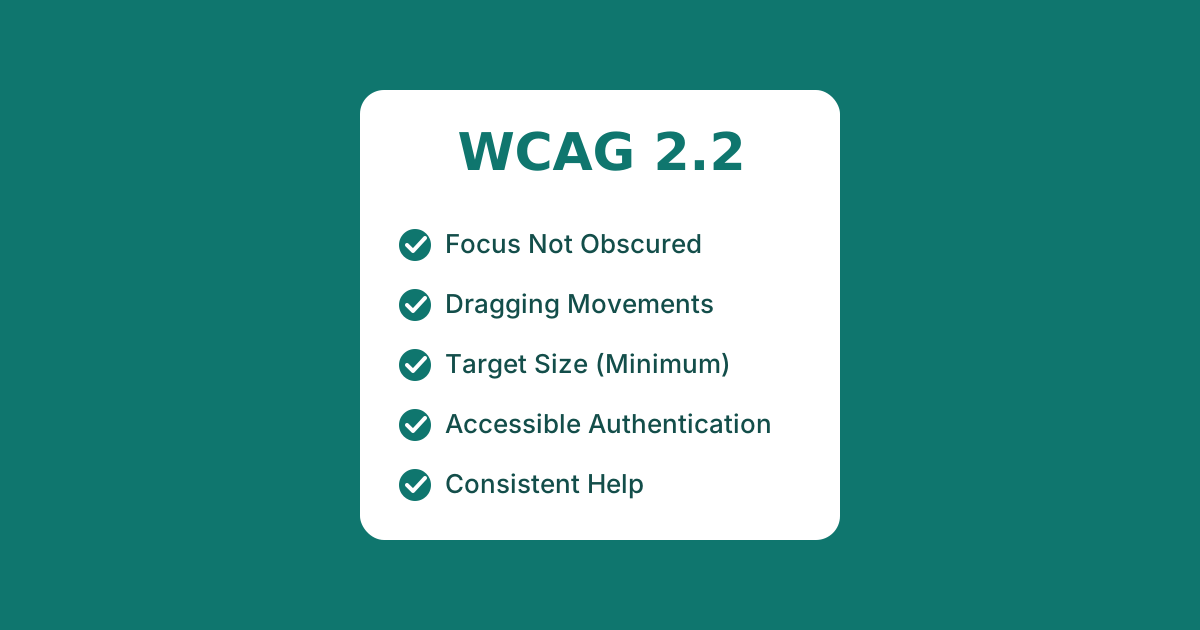
The Web Content Accessibility Guidelines (WCAG) 2.2 became a W3C Recommendation in October 2023. It is fully backwards-compatible with WCAG 2.1, so anything that conformed to 2.1 still conforms, and it adds nine new success criteria. One older criterion, 4.1.1 Parsing, was removed because modern browsers now handle the parsing edge cases it covered.
If you already conform to WCAG 2.1 AA, moving to 2.2 AA means checking your product against six new criteria (the Level A and AA ones). The other three are Level AAA.
The nine new criteria
- 2.4.11 Focus Not Obscured (Minimum) — AA. When a component receives keyboard focus, it must not be entirely hidden by other content, such as a sticky header or a cookie banner.
- 2.4.12 Focus Not Obscured (Enhanced) — AAA. The stricter version: no part of the focused component may be hidden.
- 2.4.13 Focus Appearance — AAA. Sets a minimum size and contrast for the focus indicator itself.
- 2.5.7 Dragging Movements — AA. Any action that uses dragging must also work with a single pointer without dragging — for example, a sortable list should also offer up/down buttons.
- 2.5.8 Target Size (Minimum) — AA. Interactive targets must be at least 24 by 24 CSS pixels, or have enough spacing around them, with some exceptions for inline links.
- 3.2.6 Consistent Help — A. If a help mechanism (contact link, chat, FAQ) appears on multiple pages, it must appear in the same relative order.
- 3.3.7 Redundant Entry — A. Do not force users to re-enter information they already provided in the same process; auto-populate it or let them select it.
- 3.3.8 Accessible Authentication (Minimum) — AA. Do not require a cognitive function test (like solving a puzzle or transcribing characters) to log in, unless an alternative exists.
- 3.3.9 Accessible Authentication (Enhanced) — AAA. The same principle with fewer exceptions.
What this means for a real audit
Most of these criteria are about making existing interactions work reliably, not adding features. In our audits, the two that most often turn up new issues are:
- Target Size (2.5.8) — icon-only buttons, close (×) controls, and densely packed toolbars frequently fall below 24×24px.
- Focus Not Obscured (2.4.11) — sticky headers are everywhere, and they routinely cover a focused element when you tab down a long form.
Both are cheap to fix once found. Focus problems in particular are hard to catch without tabbing through a real page, which is why automated-only scans miss them.
What to fix first
Focus not obscured is the criterion most likely to need a real change. A sticky header or cookie banner that covers the element a keyboard user has just tabbed to is very common, and the fix is usually design-level, such as scroll padding or a repositioned banner.
Target size hits mobile interfaces hardest, where small icon-only buttons and close controls with no spacing around them can fail 2.5.8. Accessible authentication affects any login that relies on a CAPTCHA or an image-based challenge: you need a route that does not depend on solving it. Redundant entry shows up in multi-step forms that ask for the same details twice.
How to audit against 2.2
If you already meet WCAG 2.1, the step up is manageable. Run an automated scan, then test by hand with the keyboard and a screen reader, concentrating on focus visibility, re-entry across multi-step forms, login flows and anything that relies on dragging. Record the results in an updated Accessibility Conformance Report.
WCAG 2.2 is an incremental update. If you are commissioning an audit in 2026, ask for it against 2.2 AA. There is little reason to target the older version.
Back to all posts